
Get 8udget on the device in your hand.
The native apps are free for up to 100 transactions, need no account and no bank login, and every core feature works offline.


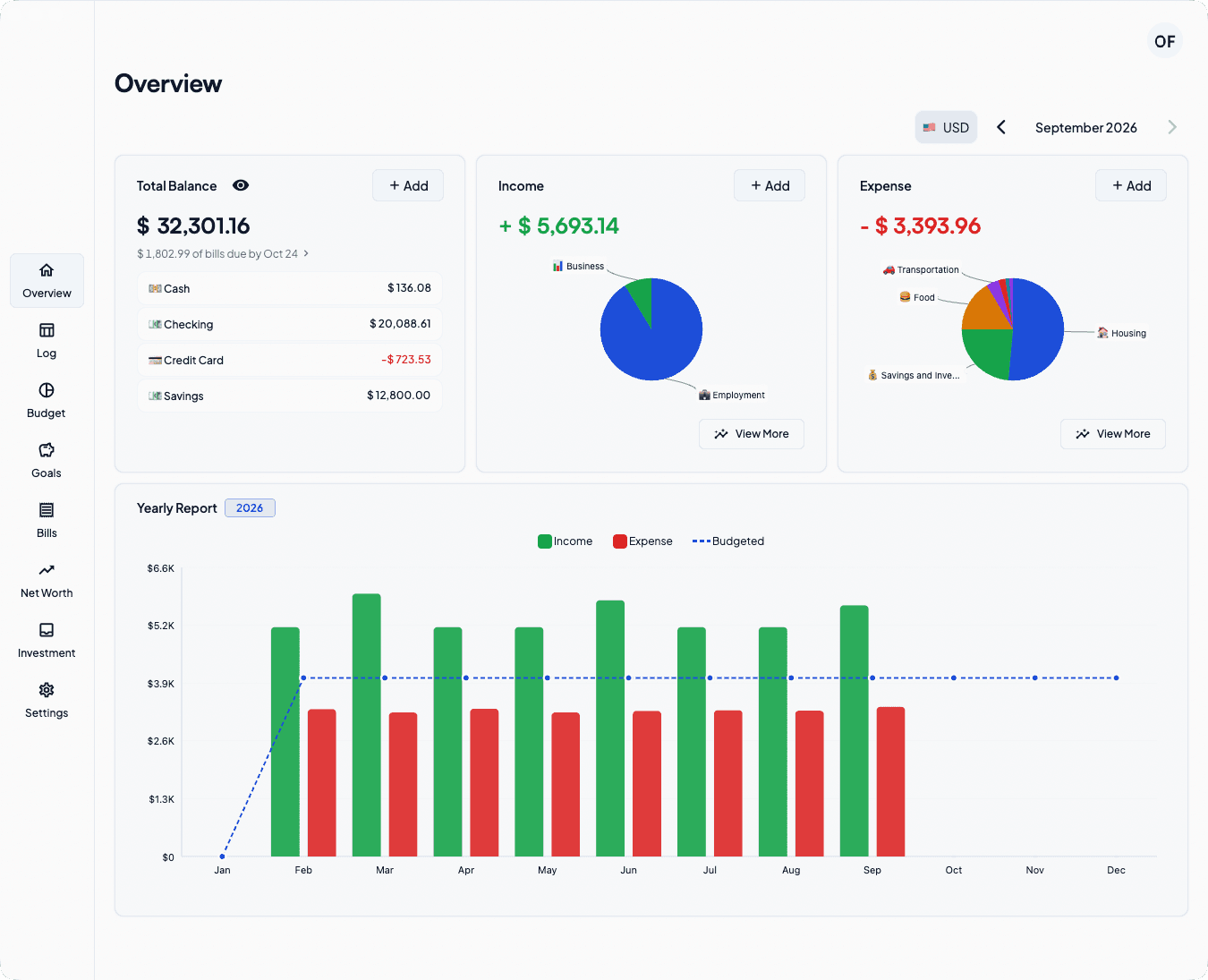
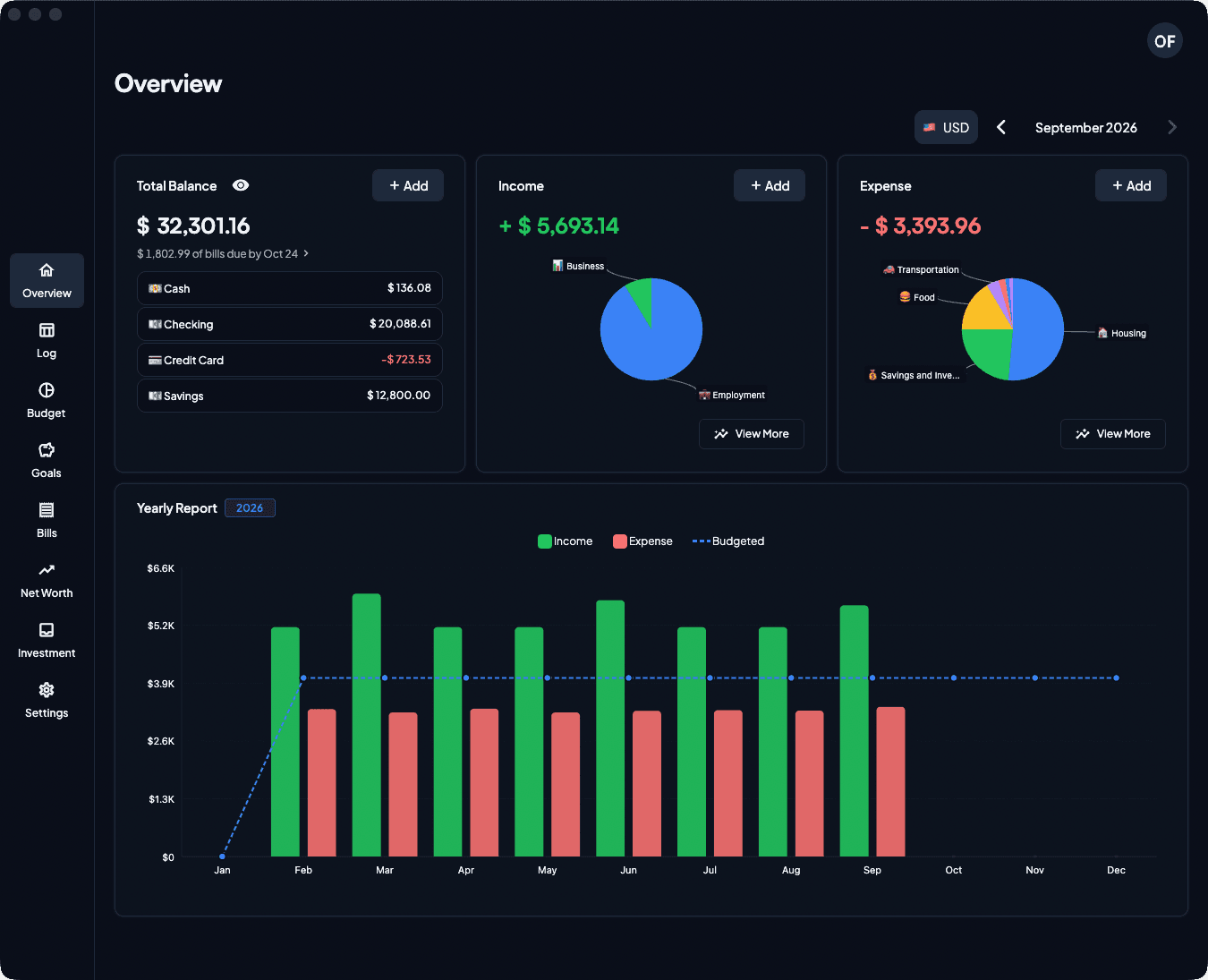
What each platform gives you
Compare Free and Premium| Platform | Free | Premium | Account | Offline | Get it |
|---|---|---|---|---|---|
| iPhone and iPadiOS 15 or laterAccount only with Premium, works offline | Up to 100 transactions | $5.99 a monthIn-app purchase | Only with Premium | Works offline | App Store (opens in a new tab) |
| AndroidPhones and tabletsAccount only with Premium, works offline | Up to 100 transactions | $5.99 a monthIn-app purchase | Only with Premium | Works offline | Google Play (opens in a new tab) |
| MacmacOS 11 or laterAccount only with Premium, works offline | Up to 100 transactions | $5.99 a monthIn-app purchase | Only with Premium | Works offline | Mac App Store (opens in a new tab) |
| Web browserapp.8udget.myAccount required, online only | $5.99 a month | Required | Needs a connection | Open web app | |
| WindowsPlanned | — | Not applicable | See roadmap | ||
| LinuxPlanned | — | Not applicable | See roadmap |
One Premium subscription works on every platform. App Store and Google Play prices vary by region.
- Fixed
- Bills paid twice. Paying a bill twice by mistake, for example with a double tap, no longer adds two expenses
- Fixed
- Amounts with a comma. Amounts like "12,50" now save correctly when you edit or copy a transaction. Before, they saved as 0
- Fixed
- Investment totals. Investment totals now update right away after you add a transaction, and if a save fails, you now see the error
- Fixed
- Sync errors. Sync for Bills, Goals and Investment now tells you when it fails, instead of showing success
- Fixed
- Bill reminders and wallets. Opening the app from a bill reminder no longer says you have no wallets
- Fixed
- Delete All Data across devices. "Delete All Data" on one device is no longer undone when another device syncs
- Fixed
- Wallet buttons on tablets. On iPad and Android tablets, the edit and delete buttons in your wallet list now always show. Before, they could be hidden in landscape
- Improvement
- New error screens. Error screens have a new look, and the main pages now offer Retry
- Improvement
- Clearer email sign-up. After you sign up with email, the app shows which address the confirmation email went to, reminds you to check your Spam folder, and lets you go back to fix a wrong address. Signing up again with the same address within a minute now shows this screen instead of an error, and the first email still works
Questions before you install?
Write in and Anthony T answers. No ticket queue, no chatbot.