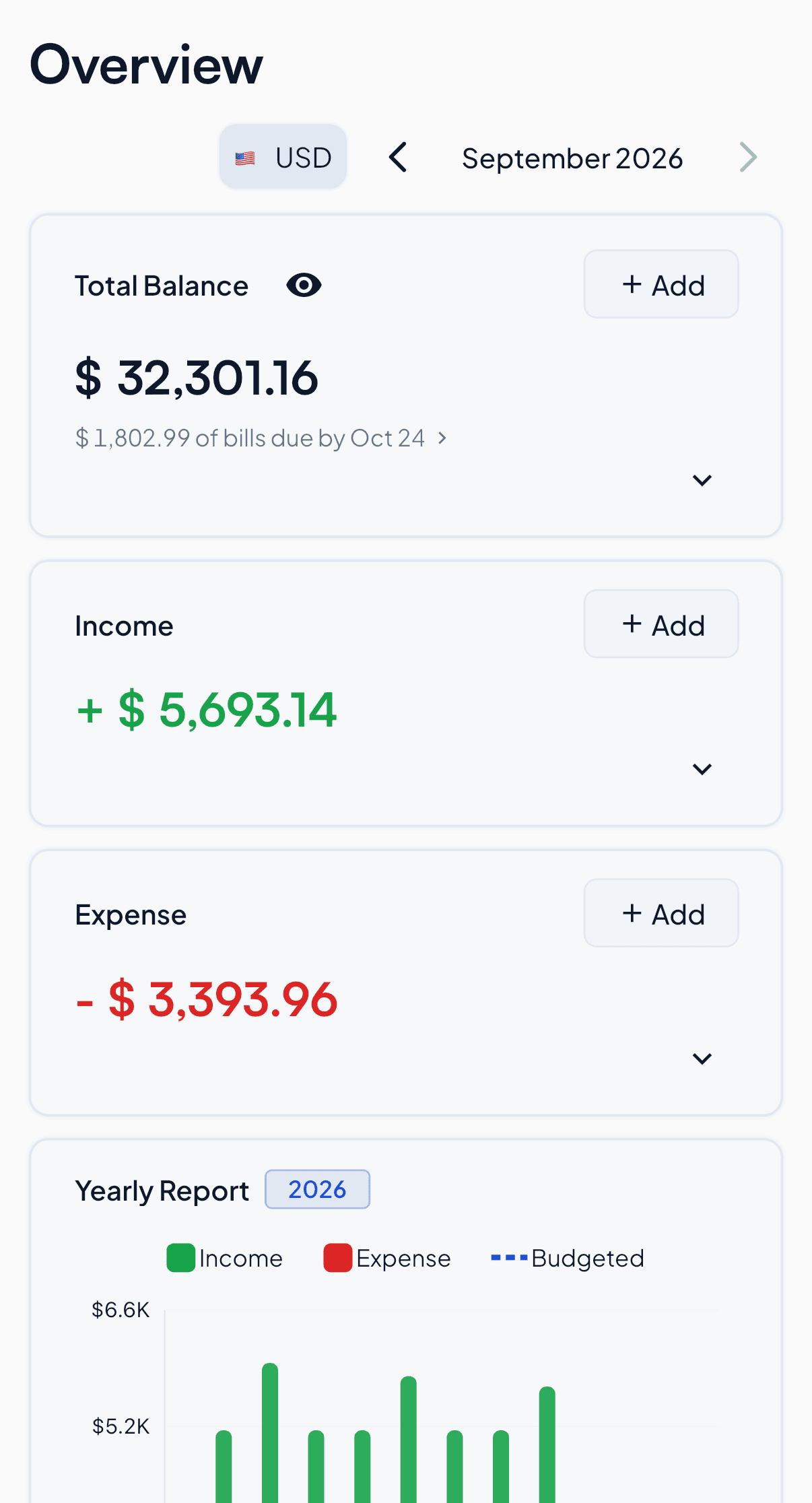
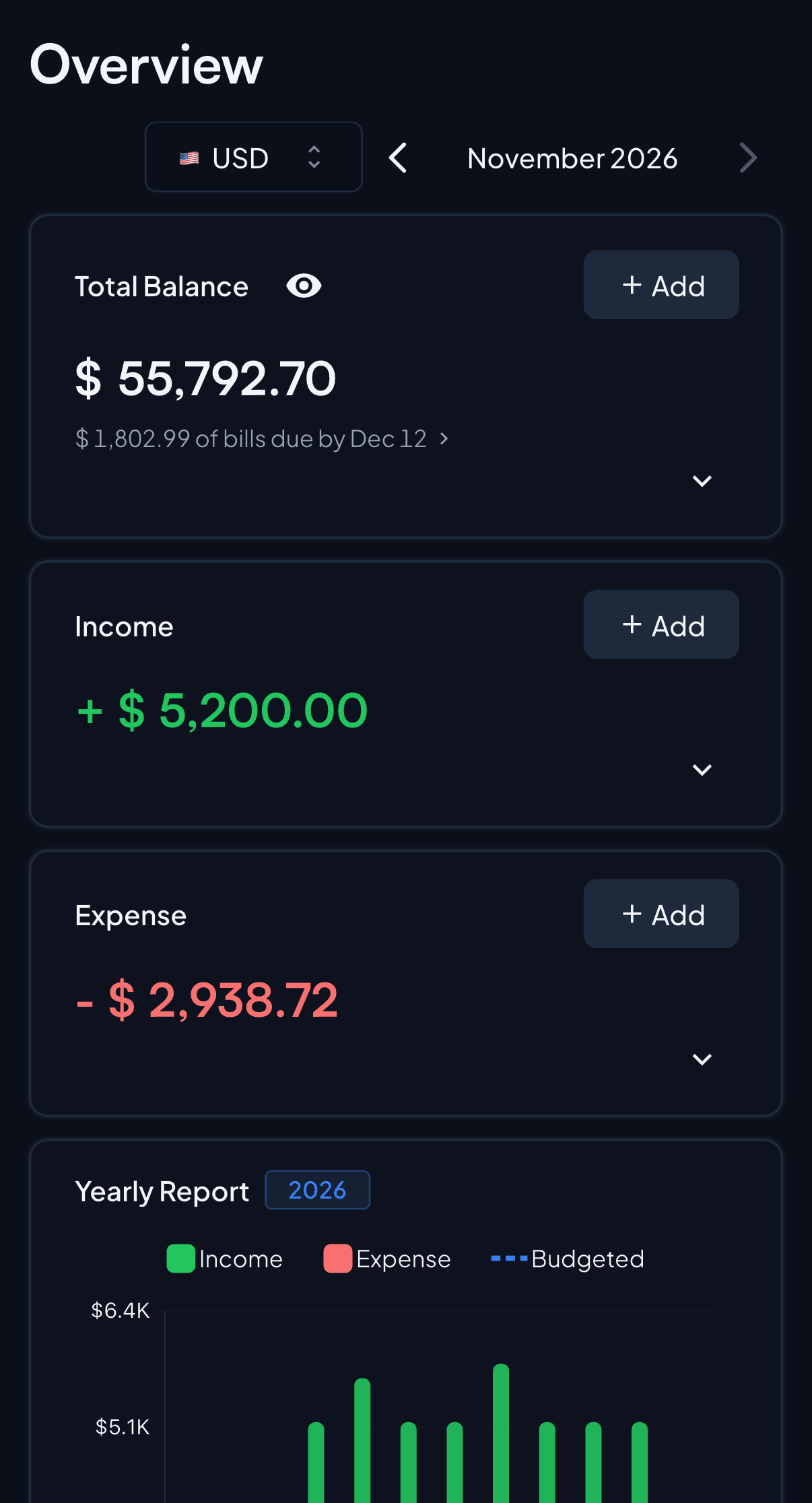
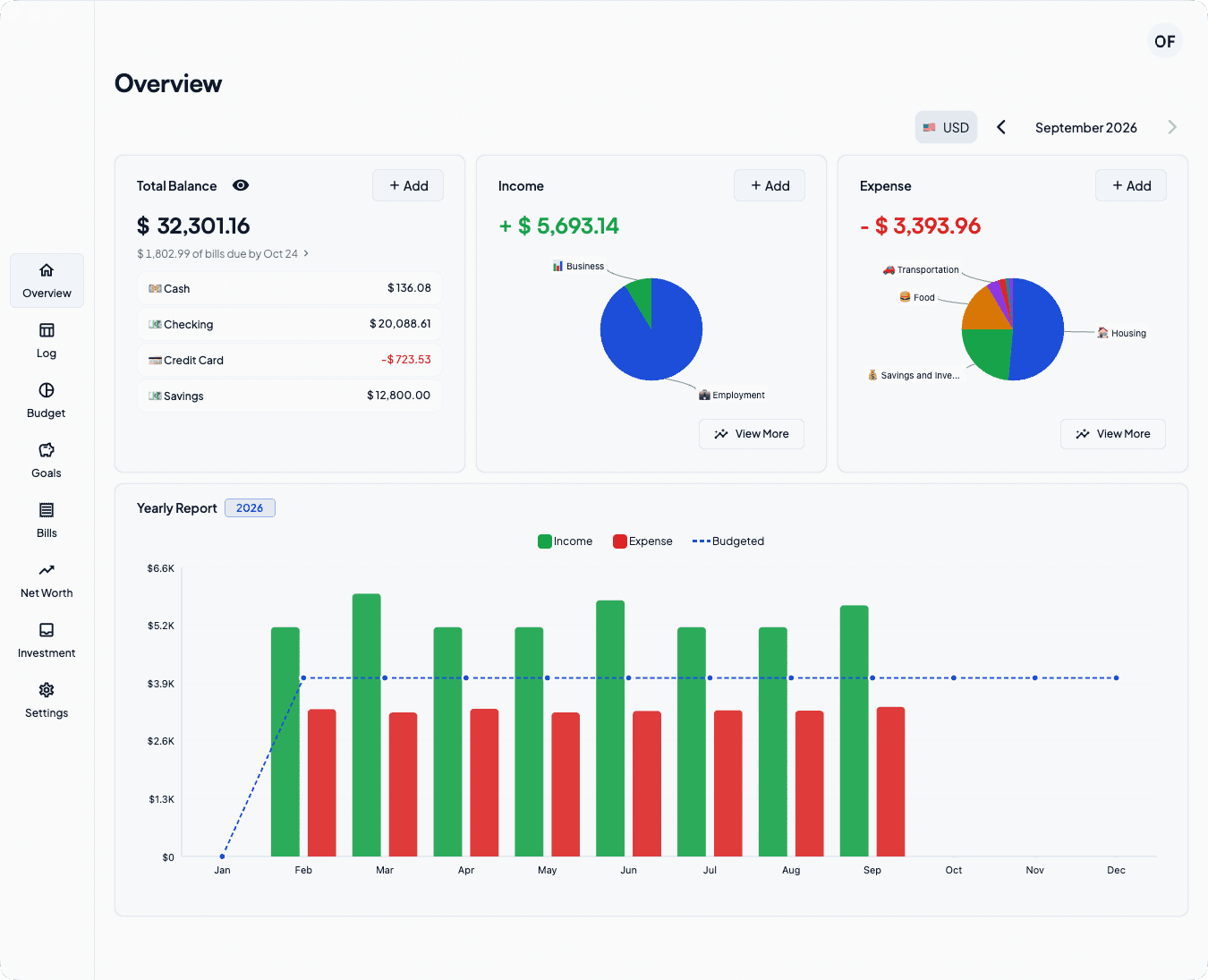
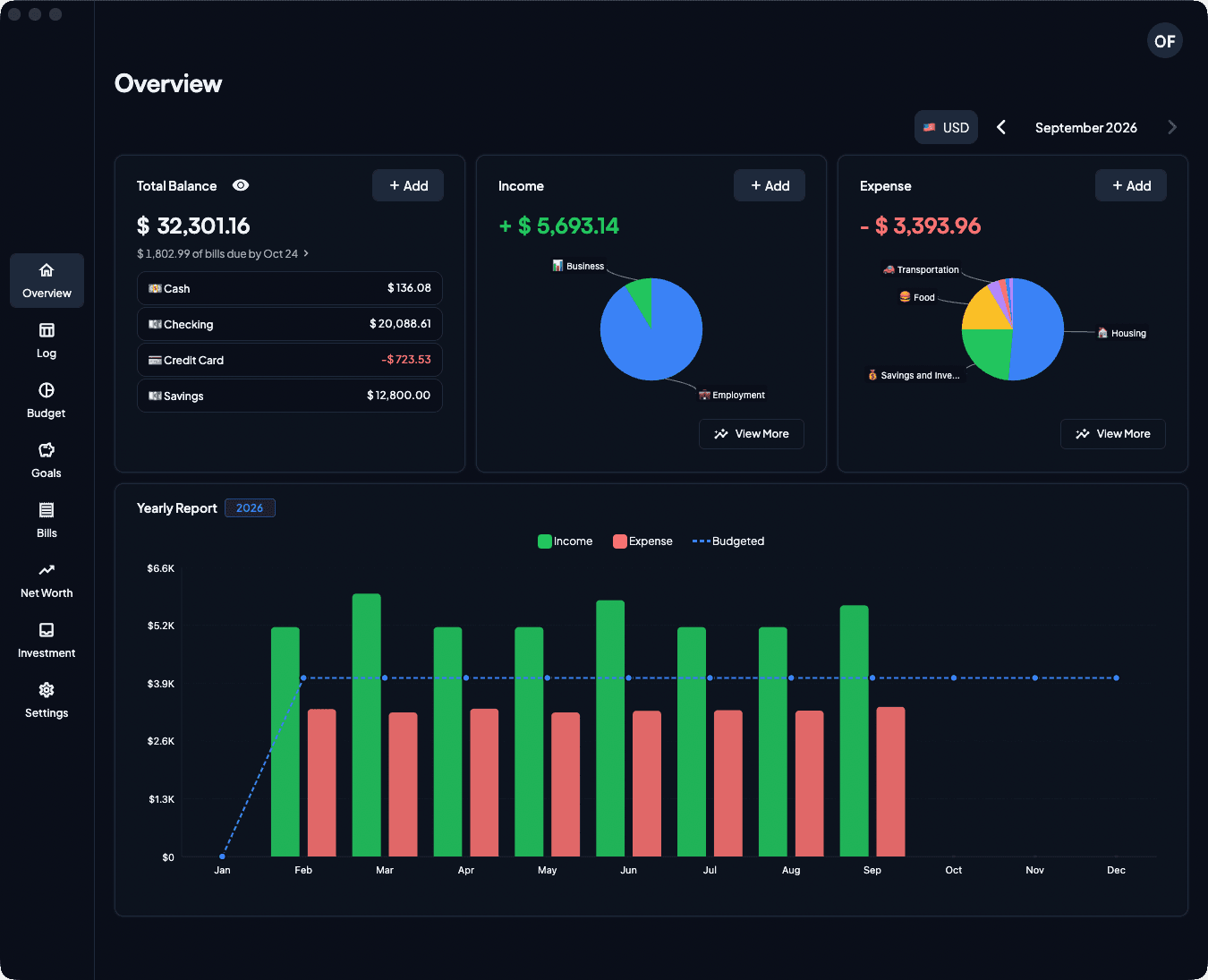
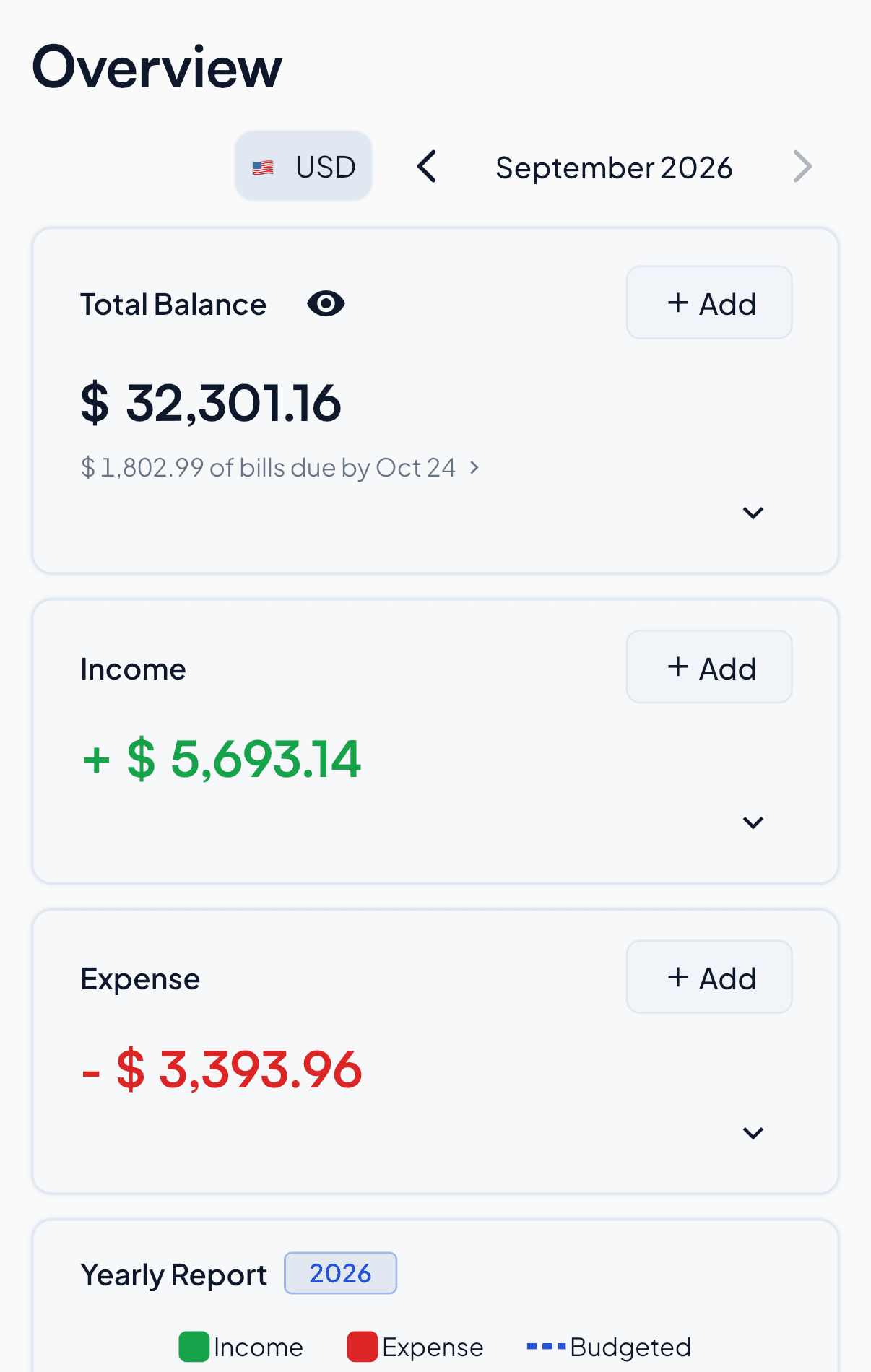
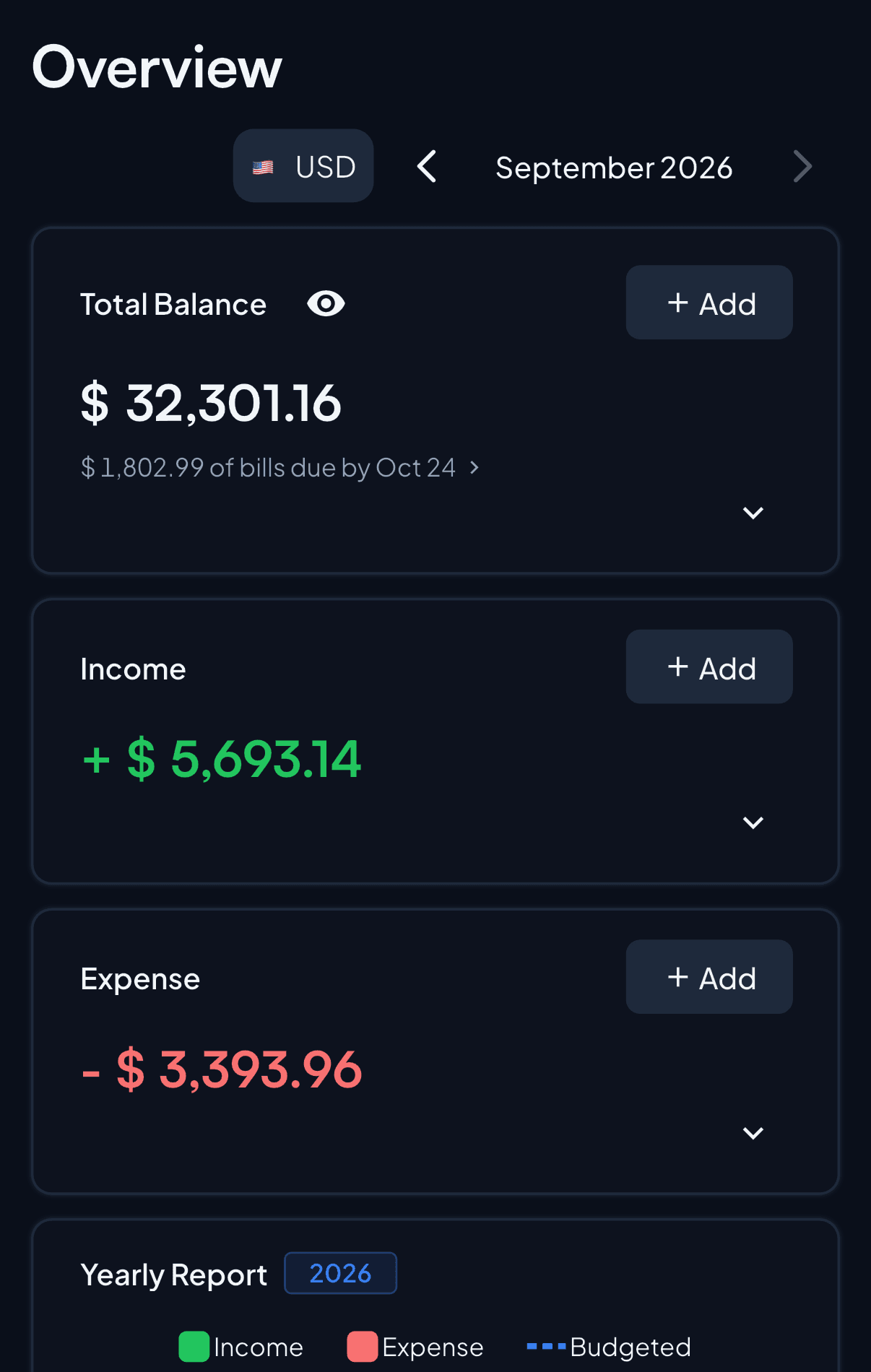
Set a limit per category. The budget shows what you spent, what you saved and what is left this month, while there is still time to change it.
Budget status
See at a glance if the month is within budget, how much you saved and where the money goes.
Budget StatusSep 2026
✓ Within BudgetYou spent $ 3,393.96 and saved $ 2,299.18 this month
$6.0K$4.5K$3.0K$1.5K$0
IncomeBudgetedExpense
Budget BreakdownSep 2026
44.4%🏠 Housing
🏠 Housing44.4%
💰 Savings and Investments24.7%
🍔 Food17.3%
🚗 Transportation4.9%
🛍️ Shopping4.9%
🎭 Entertainment2.2%
💆 Personal Care1.5%
Category limits
See which category is close to its limit.
My Budgets Sep 2026▤ Table▦ Spreadsheet▭ Card+ Add Budget
CategoryProgressSpentBudgeted
🏠 Housing$1,745.19$1,800
💰 Savings and Investments$800$1,000
🍔 Food$558.88$700
🚗 Transportation$134.53$200
🛍️ Shopping$74.04$200
🎭 Entertainment$39.32$90
💆 Personal Care$42$60
Bills, goals and net worth in the same app
Bills
Shows each bill before it is due, with a reminder ahead of the date.
Bill Reminder: InternetYour Internet bill is due on 27/09/2026
now
BillsSep 2026
Estimated monthly$152.99
SuMoTuWeThFrSa2021222324252627282930123
StreamingSat 26Paid
InternetSun 27Due SoonPaid
Phone planTue 29Upcoming
GymWed 30Upcoming
Goals
Tracks a savings target by a date, or caps what a category may spend.
GoalsActive
Food this month$700.00
Spending goal01/09/2026 – 30/09/2026
Left: $152.9678%
Emergency fund$25,000.00
Savings goal01/02/2026 – 01/09/2027
Net worth
Adds up assets minus debts, and how the total moved over the months.
Net worthUSD
Total Net Worth$55.9K
Total Assets$56.5K
Total Liabilities$682.77
1M3M6M1YALL↗ $55.9K
MarMayJulSep
What Premium adds
The free apps run a full budget on one device, up to 100 transactions. Premium is $5.99 a month or $59.99 a year, and adds the parts that need a server.
Sync and web appPremium
The same ledger on your phone, your Mac and in the browser, with no limit on transactions or devices.
AI statement importPremium
Drop in a bank statement as PDF, Excel or CSV. The AI turns it into transactions for you to check.
Import FileAI ModeManual Mode
statement-sep.pdfParsing bank statements with AI...AI Parsed Transactions
2026-09-01Rent🏠 Housing−1,745.19
2026-09-03Supermarket🍔 Food−109.83
2026-09-05Fuel🚗 Transportation−53.89
2026-09-15Salary💼 Employment+5,200.00
4 logs to addImport All
InvestmentsPremium
Track stocks and crypto at current prices, beside your budget and your net worth.
InvestmentUSD
Portfolio Value$18,420.50
Total Gain+$2,310.20
Total Return+14.3%
Holdings Breakdown
VOO$10,460.00
20 shares · @ $523.00+$1,460.00
BTC$5,411.70
0.08 units · @ $67,646.25+$461.40
AAPL$2,548.80
12 shares · @ $212.40+$388.80
Automatic exchange ratesPremium
Move money between wallets in different currencies and the app fetches the rate for you.
Yes. The iOS, Android and macOS apps are free, work offline and need no account, up to 100 transactions. Premium adds unlimited transactions, cloud sync, the web app and the AI features. If you subscribe later, your offline data moves to your account.
Does the app need my bank login?
No. 8udget never connects to your bank. Add transactions by hand, scan a receipt, or import a statement file you downloaded from your bank.
How do the AI features work?
Photograph a receipt or upload a bank statement, and the app turns it into transactions, 50 a month with Premium. The files are sent for online AI processing, then deleted from our systems. The AI provider may keep them up to 55 days for safety checks. They never train AI models.
What happens to my budget if I stop paying?
Your data stays. The app goes back to the free tier: offline, one device, up to 100 transactions, no cloud sync.
Which platforms does the app run on?
iOS, Android, macOS and the web. Windows and Linux are on the roadmap.
 8udget